
Your apps are in check+
In Check is a minimalist home screen for iPhone. The apps you pick stay locked until you solve a chess puzzle, answer a few questions or take a breath. Then they're yours for 15 minutes.
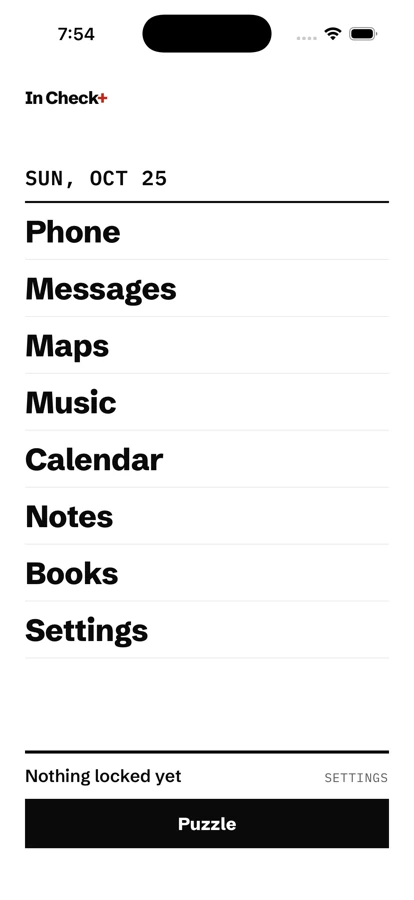
Three moves to a calmer phone
In Check uses Apple's Screen Time, so the locks hold even when you close the app. Nothing about your usage leaves your iPhone.
-
1.
Choose what to lock
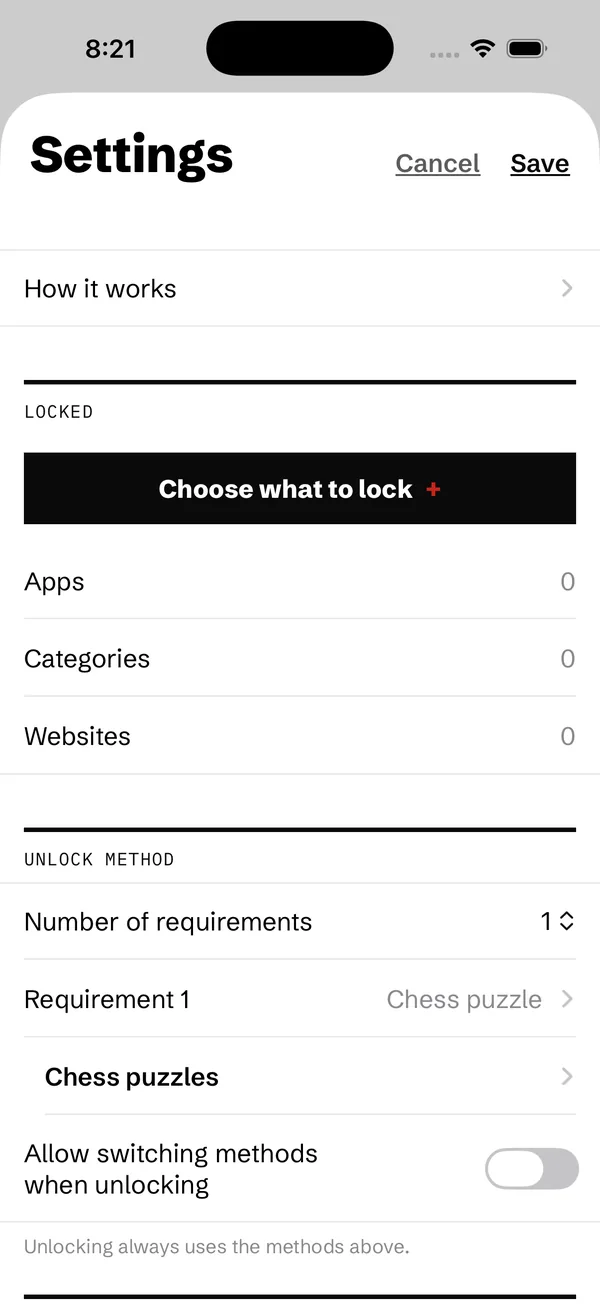
Pick apps, whole categories or websites. Everything else stays one tap away on a quiet, text-only home screen.
-
2.
Pick how to unlock
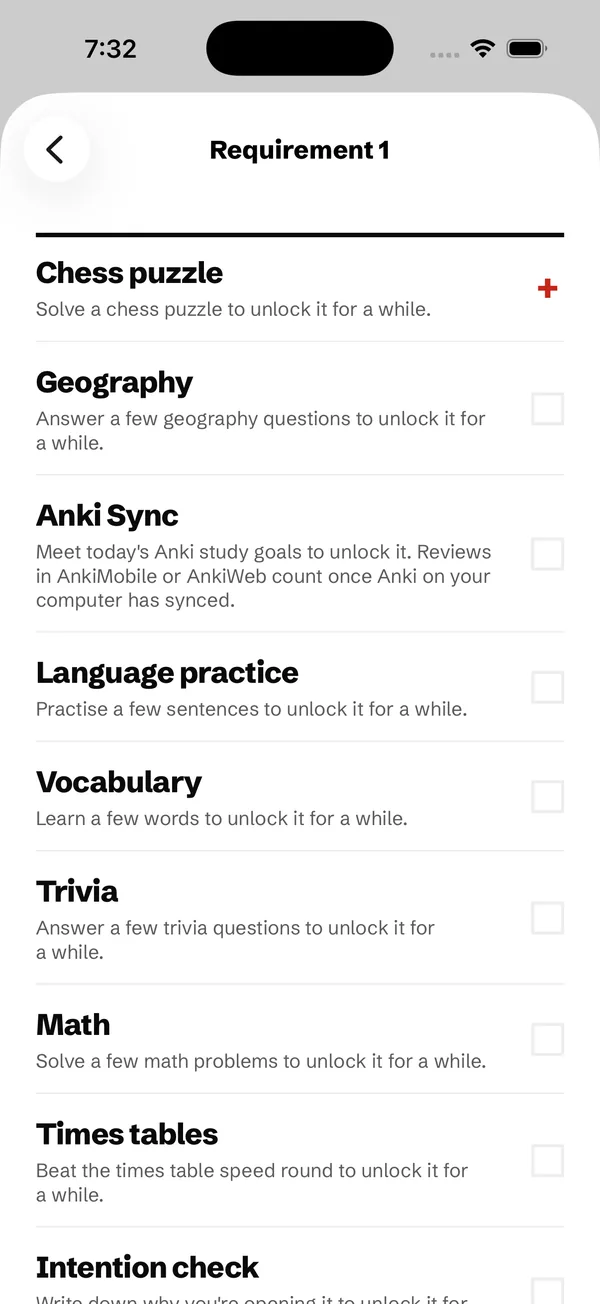
Chess puzzles, flashcards, language practice, math, a breathing pause or a set of squats. Stack up to four if one isn't enough.
-
3.
Earn your time
Open a locked app and In Check asks for its task. Finish it and every lock lifts for 15 minutes, or however long you set.
Fourteen ways to earn a few minutes
Choose the one that fits your day. Each has its own settings, and the cards and questions use spaced repetition, so you keep what you learn.
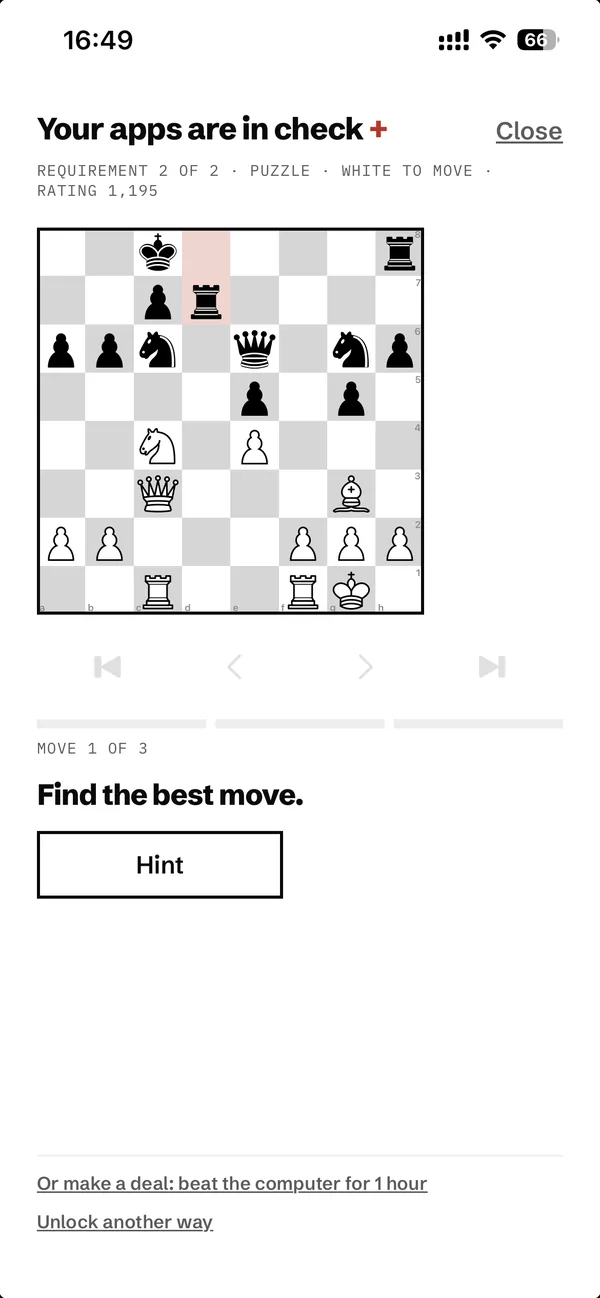
- Chess puzzle
Puzzles from lichess.org at your rating, with 500 built in for when you're offline.
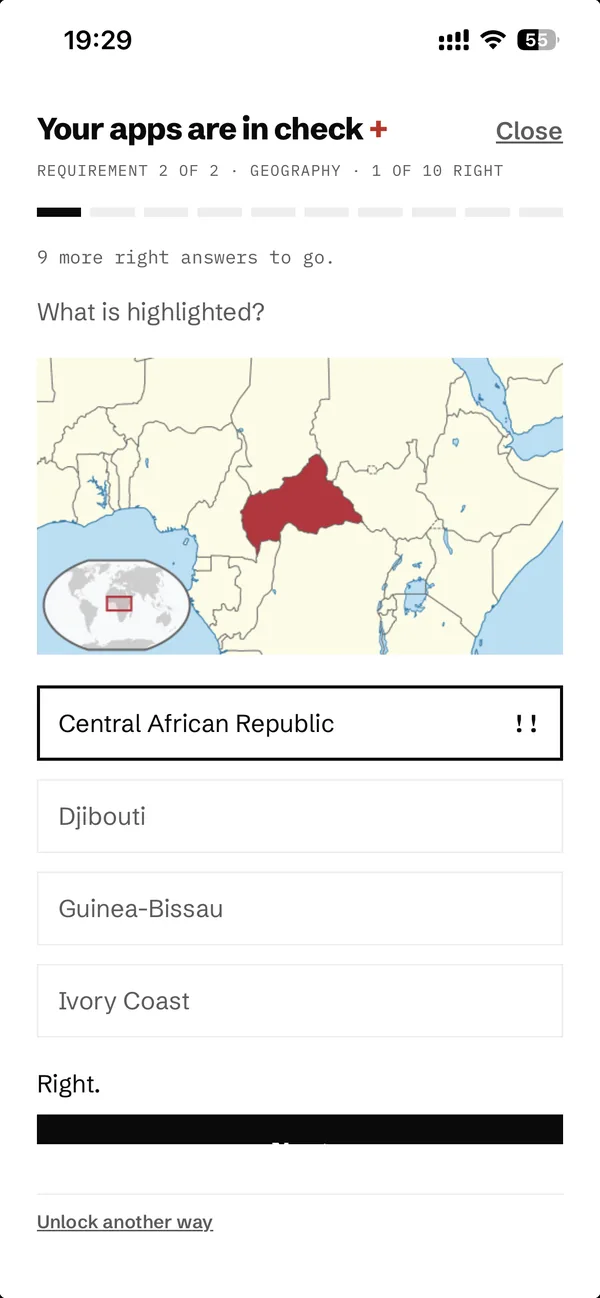
- Geography
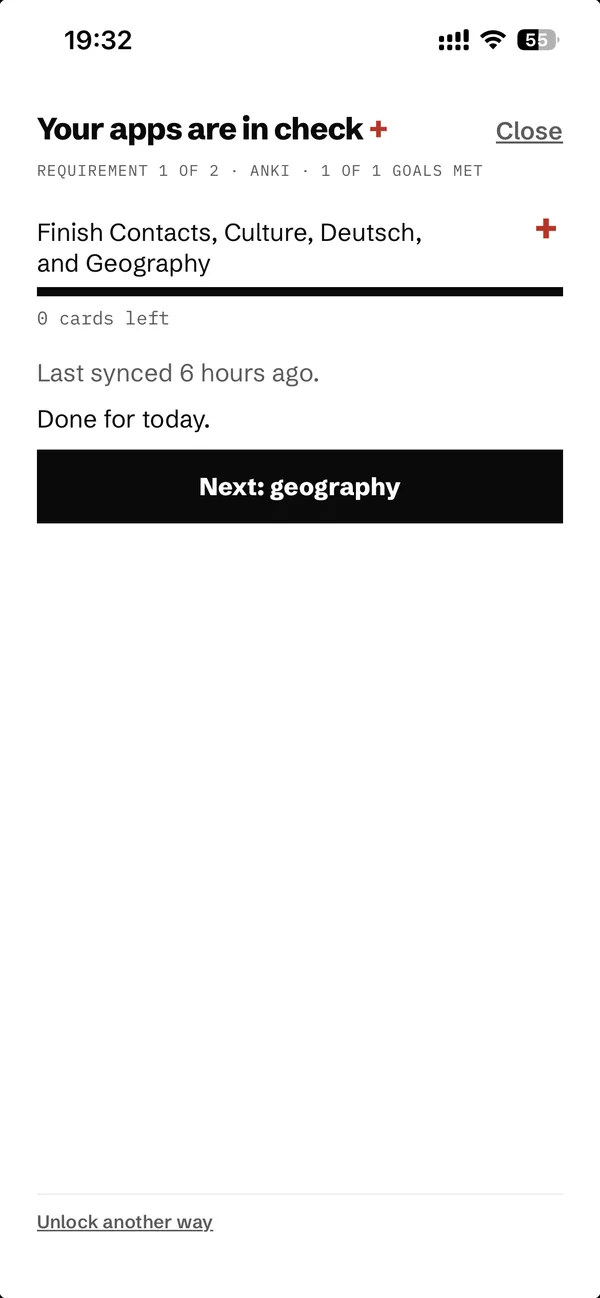
Countries, capitals and flags from the Ultimate Geography deck.
- Anki Sync
Meet today's Anki goals first. A free add-on for desktop Anki reports your progress.
- Language practice
Sentences to read, hear, build and say, from German and Spanish to Japanese and Farsi.
- Vocabulary
Learn a few new words at a time, with an example sentence for each.
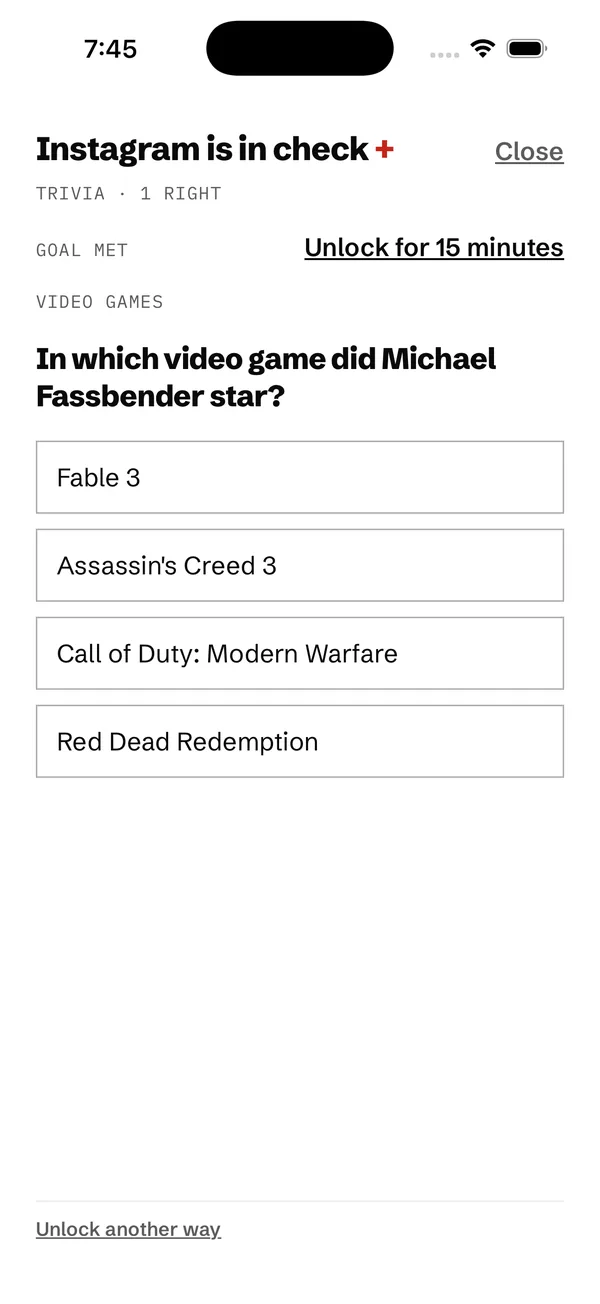
- Trivia
Over 5,000 questions on film, science, history, sport and more.
- Math
Mental arithmetic in three levels.
- Times tables
Twenty facts up to 12 × 12 against the clock.
- Intention check
Write down why you're opening the app before it opens.
- Breathing pause
A short, guided breathing break.
- Walking
Take a short walk, counted by your iPhone.
- Squats
A set of squats, counted on the device by the camera.
- Push-ups
A set of push-ups, counted by the proximity sensor.
- Custom Anki deck
Import your own deck and study it right in the app.
Black, white and one red plus
The red plus is the chess sign for check. It marks what needs your attention, and nothing else gets a colour.
The details
- Your Lichess rating
- Sign in with Lichess and solved puzzles count toward your puzzle rating. You can switch that off.
- Beat the computer
- Win a game against the built-in engine for a longer unlock, at Lichess time controls.
- Home screen widgets
- Put the minimal home screen, your essentials or a clock with your locks on the iPhone home screen.
- Nine languages
- English, German, Spanish, French, Italian, Portuguese, Russian, Chinese and Japanese.
- Light and dark
- Follows your iPhone's appearance, with a classic icon if you prefer it.
- Backups in your iCloud
- An optional daily copy in your own iCloud, or a file you export yourself.
Data Not Collected
What you do stays on your iPhone
There's no account, no analytics and no advertising. Your answers, notes and settings are stored on your iPhone. Which apps you lock is handled by Apple's Screen Time, so In Check never sees your usage history.
Questions, bugs or ideas
Email yo@incheck.life. Tell me which iPhone and iOS version you have, and add a screenshot if something looks wrong.